 lowresart
Convert Your Photo to Pixel Art
Upload any photo and transform it into pixel art — entirely in your browser, in seconds. Adjust pixel size, palette, contrast, and texture. Order a canvas print when you're ready, or just explore. No account, no install, free to use.
Open the free Studio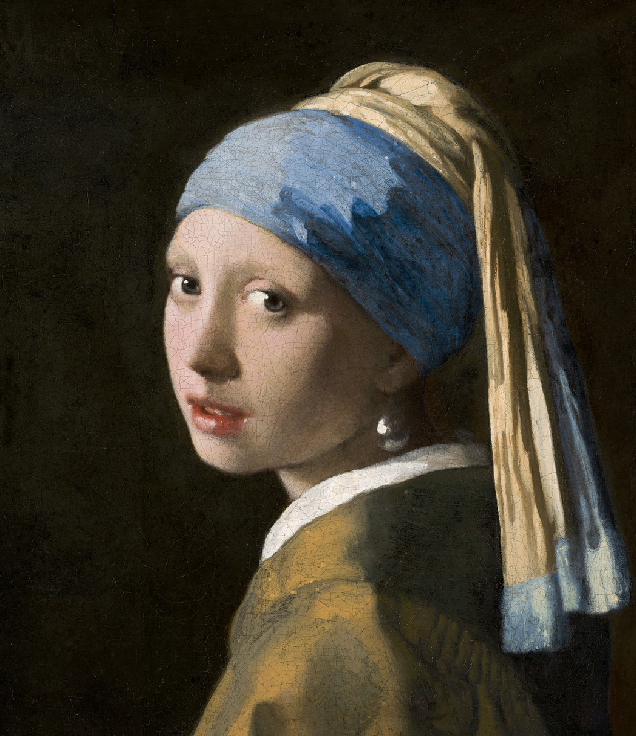
Original
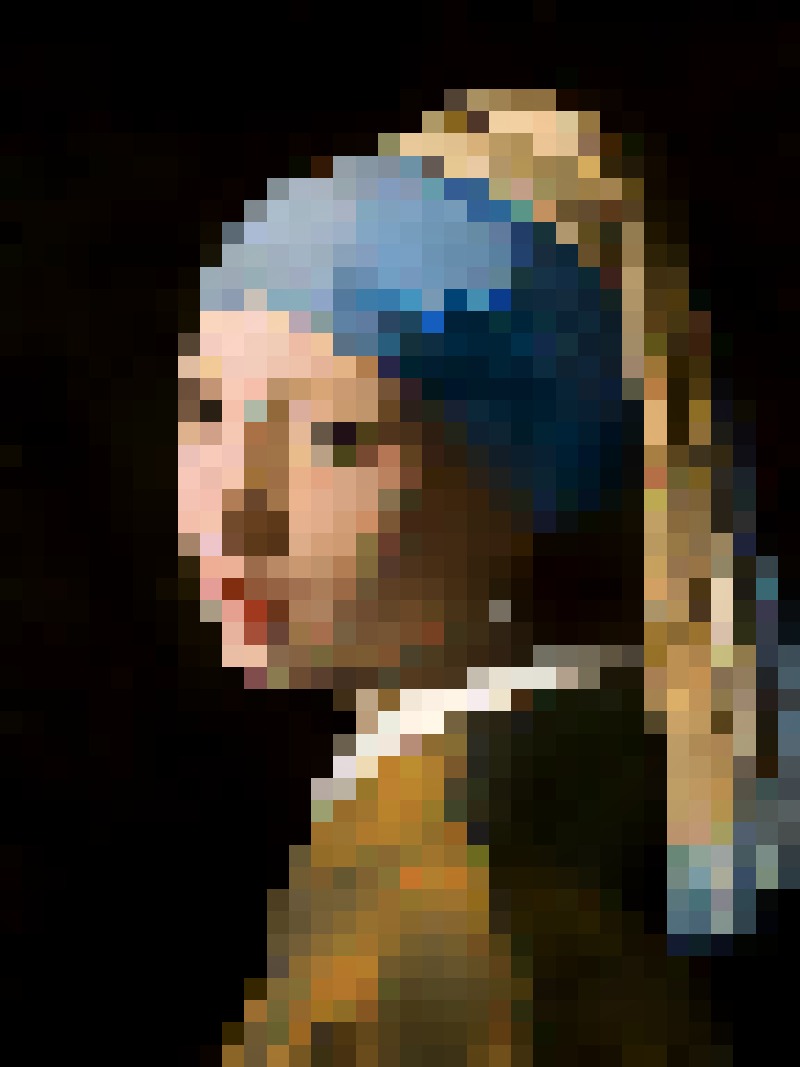
Pixel art

Original
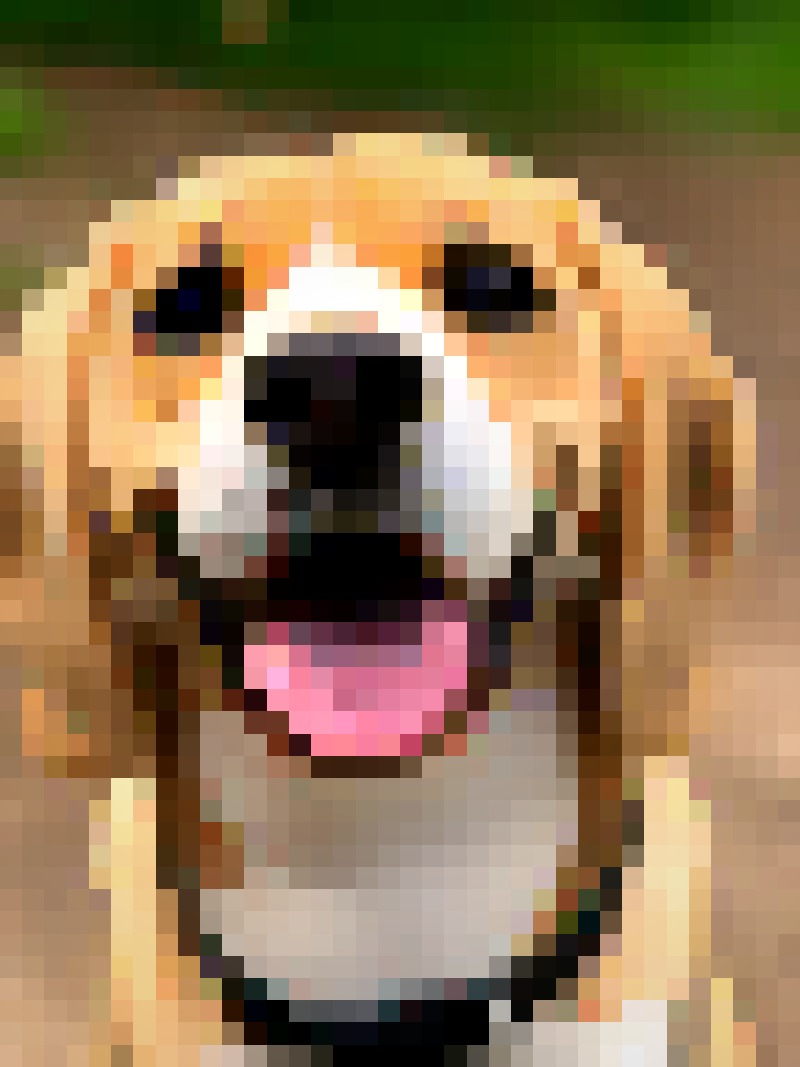
Pixel art
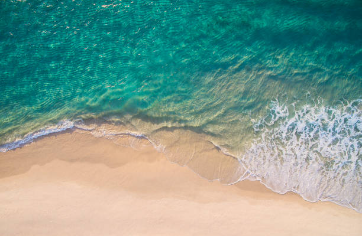
Original
Pixel art
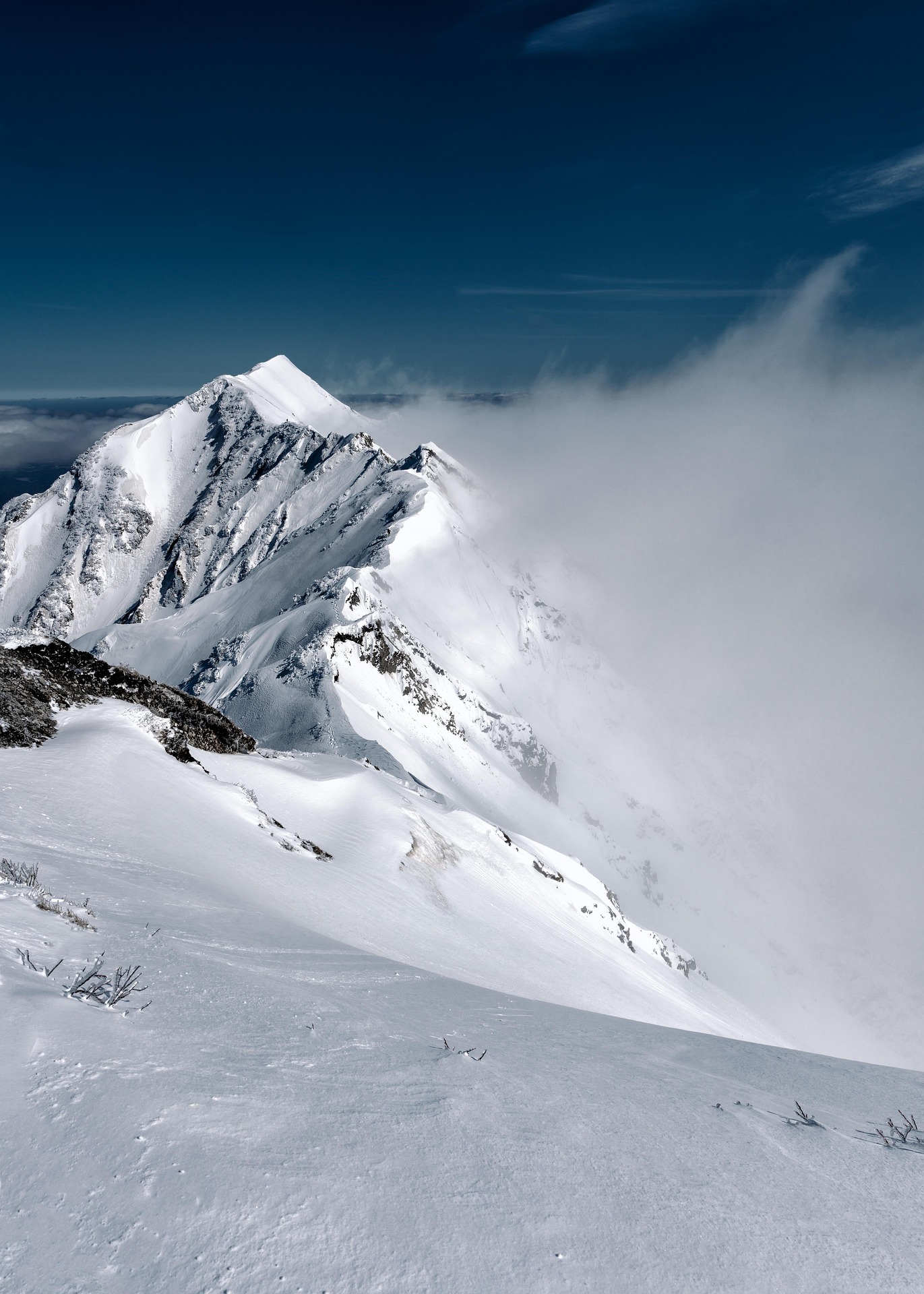
Original
Pixel art
What makes a great pixel art photo?
The converter works with any photo, but some inputs produce significantly better results. Here is what to look for before you upload.
High contrast works best
Strong light/shadow separation makes the pixelation crisp. Flat, overcast lighting can produce muddy results — a bit of directional light goes a long way.
One clear subject
Pixel art compresses detail aggressively. A single focal point — a face, a pet, a landmark — produces far stronger results than a busy group shot.
Simple background
Busy backgrounds get pixelated too and can compete with the subject. A plain wall, open sky, or blurred background keeps the focus where it belongs.
Shoot close, crop tighter
The tighter the frame, the more pixel resolution the subject gets. You can also use the Studio's crop tool to zoom in after upload.
What you can control in the Studio
The pixel art style is not fixed. Every control updates the preview in real time so you can dial in the exact look before you commit to a print.
- Pixel size
- From fine-grain detail to chunky 8-bit blocks. The main lever for the overall look.
- Color palette
- Full color, restricted palettes (gameboy, sepia, neon), or custom. Palette restriction is what makes pixel art feel retro.
- Contrast & sharpness
- Boost contrast to make the pixel grid pop, or lower it for a softer, more painterly effect.
- Texture
- Add subtle grain or paper texture for a more organic, hand-drawn feel.
- Crop & zoom
- Frame your subject before rendering. All processing happens in the browser — nothing is sent to a server until you order.
- Free Studio — unlimited previews and tweaks
- All styles and presets included
- Order a canvas print in one click
- Printed and delivered by our partner
No account needed. Pay only when you order a print.
FAQ
- Is the converter really free?
- Yes — the Studio is completely free. You pay only if you choose to order a canvas print. There is no subscription, no watermark, and no account required.
- Does my photo leave my device?
- No. All processing runs in your browser using the HTML5 Canvas API. Your photo stays on your device. It is only uploaded to our servers when you explicitly click “Order a Print”, and it is automatically deleted within 24 hours.
- What file formats are supported?
- JPG, PNG, and WebP up to 10 MB. Most photos from phones or cameras fall well within that limit.
- Can I download the pixel art?
- The Studio is designed around the canvas print product — it does not offer a download option. If you want the image, ordering a print is the intended path.
- What resolution is used for the print?
- When you order, the Studio renders your pixel art at up to 7016px on the long side — roughly A2 at 300 dpi. Prints stay sharp at any canvas size CanvasPop offers.
Looking for something specific? Pixel art pet portraits · Canvas print details · Gift ideas · Painting styles