 lowresart
Pixel Art Canvas Prints
Transform any photo into pixel art and order a gallery-wrap canvas print delivered to your door. The Studio is free — pay only when you order. No subscription, no account required.
Create Your Print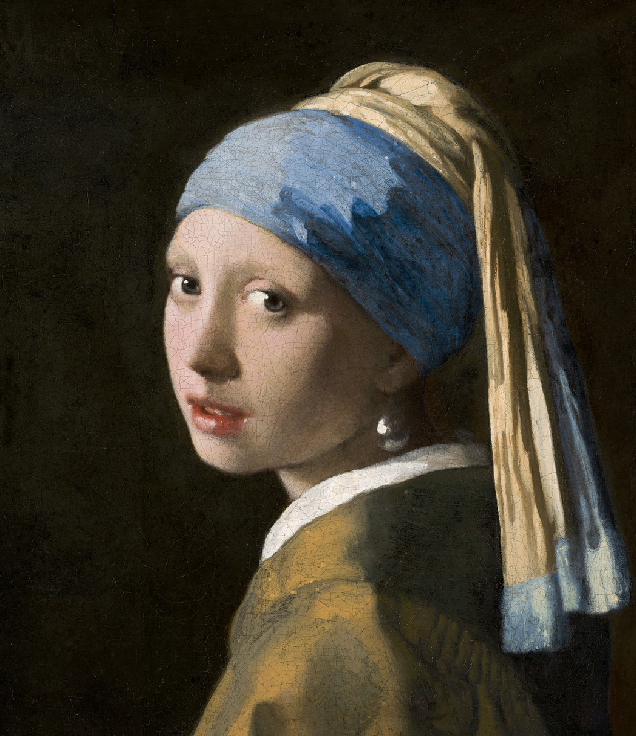
Original
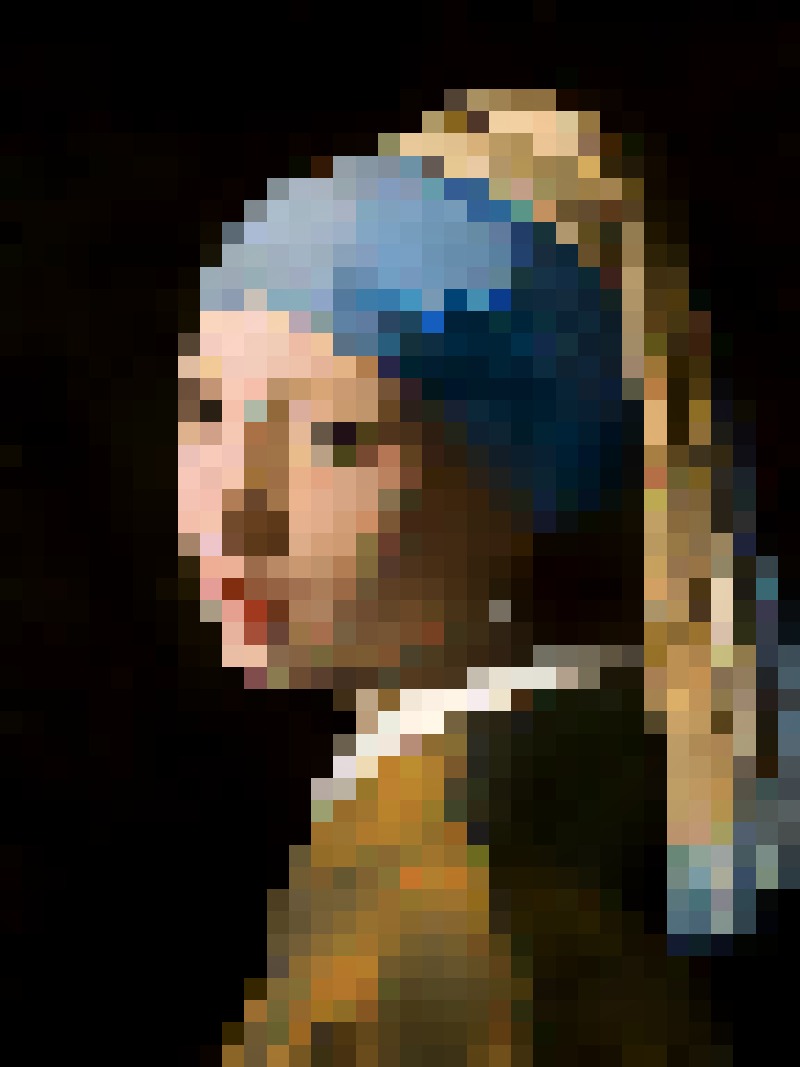
Pixel art

Original
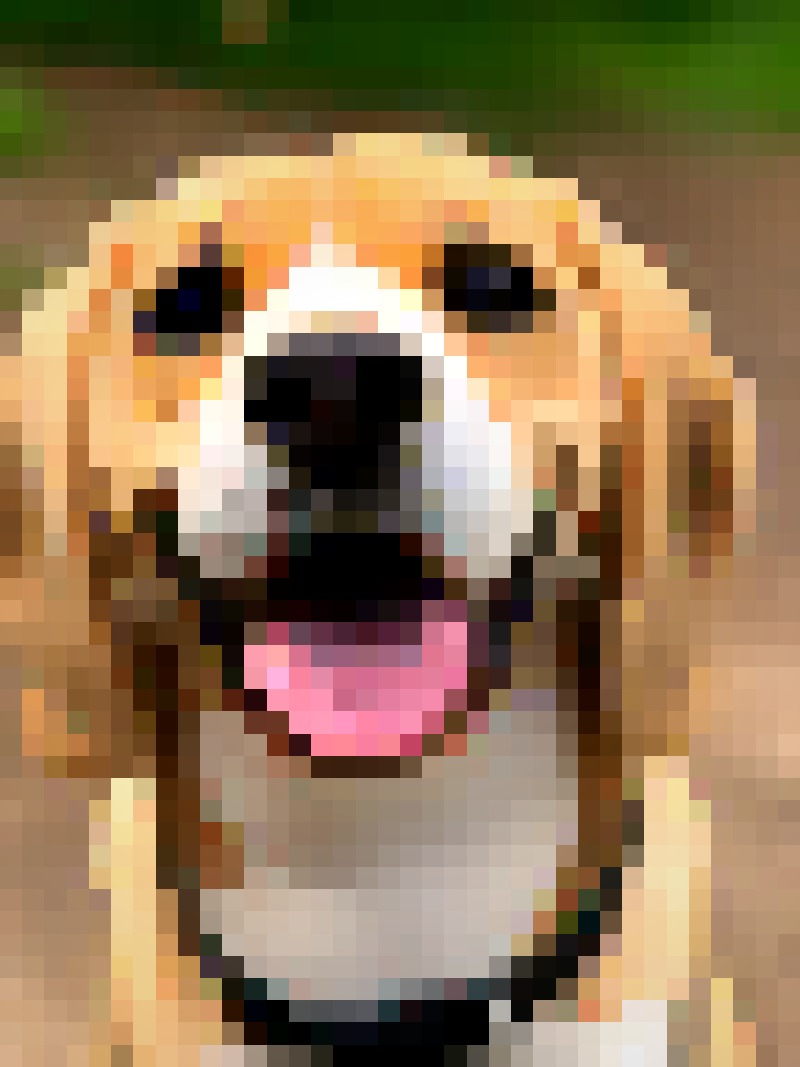
Pixel art
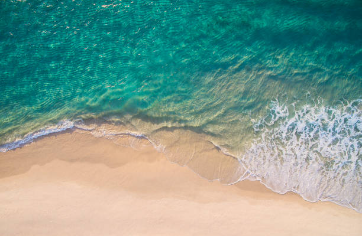
Original
Pixel art

Original

Pixel art
Print quality
When you order, the Studio renders your pixel art at up to 7016px on the long side — roughly A2 size at 300 dpi. That means even a large 24×30" wall canvas stays completely crisp. No upscaling, no blurring. The pixel grid is exactly as you designed it in the Studio.
Canvas prints are produced by CanvasPop, a professional photo printing partner with over a decade of experience. The finish is a gallery-wrap on a 1.5" wooden stretcher frame — the image wraps around the sides, no visible staples, ready to hang straight out of the box.
You do not need to choose a print size before creating your pixel art. The Studio always renders at maximum resolution, and you pick the canvas dimensions at checkout. The same file works at 8×10" or 30×40".
Where to display a pixel art canvas
Pixel art has a visual distinctiveness that most wall art does not — it draws the eye and tends to prompt questions. A few places where it works particularly well:
- Home officeAdds personality without being distracting. A portrait or landscape keeps the space personal without feeling cluttered.
- Living roomA large pixel art canvas becomes a genuine conversation piece — most visitors will notice and ask about it.
- Kids' bedroomThe pixel art aesthetic has a natural playful energy. A portrait of the family pet or a favourite landscape works well here.
- As a giftPersonal, framed, ready to hang — see the gift ideas page for more.
From photo to canvas in three steps
Create your pixel art
Upload a photo to the free Studio. Adjust pixel size, palette, contrast, and texture until the result looks exactly right. No account needed.
Click “Order a Print”
The Studio renders a high-resolution version of your pixel art — up to 7016px on the long side. This takes a few seconds and runs entirely client-side.
Choose your canvas size
The CanvasPop checkout opens in an overlay. Pick the size that fits your wall, enter your delivery address, and complete the order. CanvasPop handles the rest.
- Free Studio — unlimited previews and tweaks
- All styles and presets included
- Order a canvas print in one click
- Printed and delivered by our partner
No account needed. Pay only when you order a print.
FAQ
- What canvas sizes are available?
- CanvasPop offers sizes from small desk prints (5×7") to large statement pieces (30×40" and above). You choose at checkout — the Studio renders at maximum resolution regardless of the size you pick.
- How sharp will the print be?
- The Studio renders your artwork at up to 7016px on the long side — roughly A2 at 300 dpi. Even a large 24×30" canvas will have a crisp, clean pixel grid with no blurring or upscaling artifacts.
- What is a gallery-wrap canvas?
- The image wraps around a 1.5" wooden stretcher frame. The sides are part of the print, so there are no visible staples or white borders. It arrives ready to hang.
- Which countries do you ship to?
- Prints are delivered to the US, Canada, and 27 European countries including the UK, France, Germany, the Netherlands, Spain, and Italy.
- How long does delivery take?
- Delivery times depend on CanvasPop and your location. US and Canada orders typically arrive in 5–10 business days. European orders may take slightly longer.
- Is there a subscription?
- No subscription. The Studio is free to use as many times as you like. You pay only when you order a print.
How to convert a photo to pixel art · Pet portrait prints · Gift ideas · Painting styles